
USIU-Africa
Off Thika Road, Kasarani, Nairobi
Available now — order before 3:00pm for same-day Nairobi delivery.
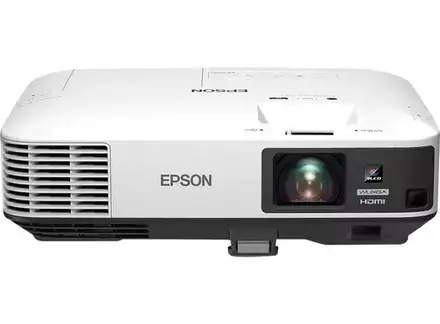
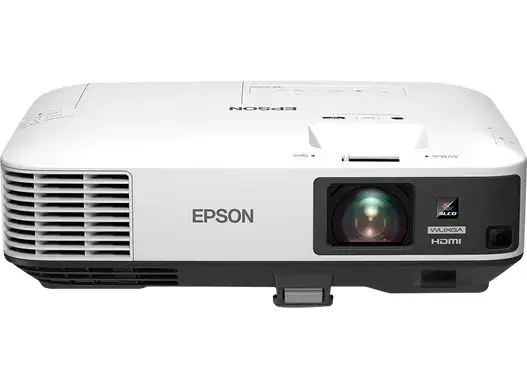
Buy the genuine Epson EB-2250U 5000-lumen WUXGA 3LCD projector with two HDMI inputs, multi-PC projection and Gesture Presenter in Kenya from Gadget Market. Epson EB-2250U price…
Hand-wrapped, with a card in your words and an optional video-message QR. Prices hidden, delivered when you say.
Genuine Epson | Brand New | WUXGA (1920 x 1200) 3LCD | 5,000 Lumens | 2 x HDMI | Multi-PC Projection | Gesture Presenter | Image Size 50 to 300 Inches
Looking for the Epson EB-2250U price in Kenya, a bright 5,000-lumen projector in Nairobi, or a reliable business projector for a lit room? The Epson EB-2250U is a brand-new, genuine 3LCD projector with 5,000 lumens of brightness, WUXGA resolution of 1920 by 1200 pixels, a 15,000:1 contrast ratio and a projected image of 50 to 300 inches. It has two HDMI inputs, optional Wi-Fi and a network port, multi-PC projection software that lets up to 50 computers connect and up to four sources share the screen, and Epson's Gesture Presenter feature. It's available from Gadget Market with delivery across Kenya. Buyers also search for it as an Epson EB-2250U, an Epson 5000 lumen projector, a WUXGA projector, a bright projector for offices and schools, a projector with two HDMI ports, a lamp projector, or a business projector for meeting rooms and halls.
This guide explains the projector in plain language: what WUXGA and 5,000 lumens give you, how it compares with the laser projectors in our range, how to look after its lamp, and where it's limited. If you'd like to talk it through, message us on WhatsApp.
The Epson EB-2250U is a bright, capable, lower-priced business projector. At 5,000 lumens, it handles lit meeting rooms, classrooms and halls, and Epson's 3LCD technology keeps colours as bright as whites. Its WUXGA resolution of 1920 by 1200 uses the taller 16:10 shape that most laptops use, so slides and spreadsheets fill the screen without black bars. Two HDMI inputs let two sources share it, the multi-PC projection software suits collaborative meetings, and Gesture Presenter lets you move through slides with a wave. It uses a lamp, not a laser, so the lamp needs replacing every few thousand hours, and that's the main trade-off against the Epson EB-L260F and the LG ProBeam in our range. If you want a bright, flexible projector at a lower price, and you can manage a lamp change every few years, the EB-2250U is a smart buy.
It suits you if:
Look elsewhere if:
| Feature | Detail | What it means for you |
|---|---|---|
| Model | Epson EB-2250U | Epson's 5,000-lumen WUXGA business projector |
| Technology | 3LCD | Colour brightness equal to white brightness |
| Light source | Lamp | A lamp to replace every few thousand hours |
| Brightness | 5,000 ANSI lumens | Clear in lit rooms |
| Resolution | WUXGA (1920 x 1200), 16:10 | Fills a laptop screen, with room for Full HD |
| Contrast | 15,000:1 | Good for a lamp projector |
| Image size | About 50 to 300 inches | Small rooms to large halls |
| Inputs | 2 x HDMI, with network (LAN). Wi-Fi is optional | Two sources, plus wired and optional wireless |
| Multi-PC projection | Up to 50 computers connected, 4 sources shown at once | Collaborative meetings |
| Gesture Presenter | Wave to control slides | Hands-free presenting |
These figures come from Epson and retailer listings of the EB-2250U. Ask us to confirm the lamp type and life, the lens, whether the Wi-Fi module is included and what's in the box for the unit you order.
WUXGA is an unusual name, and it's worth understanding.
For presenting from a laptop, WUXGA is a smart choice.
Brightness decides whether you can use a projector with the lights on.
At 5,000 lumens, the EB-2250U gives a bright picture in many lit rooms.
Two HDMI inputs are a practical feature.
Switch between inputs with the remote, or the projector's menu.
Two Epson software features suit collaborative work.
Multi-PC projection. With Epson's software, up to 50 computers can connect to the projector over the network, and up to four can show on screen at once, in a split view. It's useful for workshops, brainstorming sessions and classrooms where several people present.
Gesture Presenter. Wave your hand in front of the projector to move to the next or previous slide, without a remote or a clicker. It's handy when you're presenting from a spot away from your laptop. Ask us to confirm how it works on the unit you order.
Epson iProjection. The app lets you share from laptops, phones and tablets over a network.
Because the EB-2250U uses a lamp, a few facts help you plan.
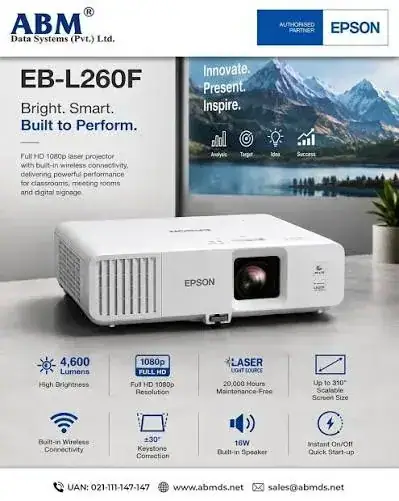
If you'll use the projector for many hours a day, the Epson EB-L260F's laser saves lamp costs over time. If you use it for a few hours a week, a lamp projector's lower price makes sense.
A few habits help the lamp last.
Good placement makes a good picture.
A simple calculation shows when a lamp projector makes sense, using figures you can replace with real prices.
For a projector used a few hours a week, the lamp model's lower price usually wins. For daily heavy use, the laser pays back its extra cost in lamps saved, and avoids downtime.
Multi-PC projection suits collaborative sessions.
It's a good fit for training rooms, workshops, brainstorming sessions and classrooms.
Gesture Presenter lets you control slides with a wave of your hand.
Ask us to confirm the details of Gesture Presenter on the unit you order.
Before you buy any projector, check these points.
Tell us your measurements, and we'll check them against the projector's range.
No picture. Check the cable, the input source and the power. Try another HDMI port or cable.
The picture is dim. Check the brightness mode, ECO mode, the ambient light and the screen. A dim picture can also mean the lamp is ageing.
The image isn't square. Adjust the position and lens first, then keystone.
The projector shuts down or the lamp light flashes. Check the vents and filter for dust, and the room temperature. A flashing lamp light can mean the lamp needs replacing.
Wireless sharing fails. Check that the devices are on the same network, and that the Wi-Fi module is installed.
The picture flickers. Try another HDMI cable.
If a problem continues, message us on WhatsApp.
We're glad to answer all of these on WhatsApp or in the shop before you pay.
A projector is a significant investment, so ask us what warranty covers the unit you order, how long it lasts and what it covers, and whether the lamp has a separate warranty. Check whether service is available locally. Keep your receipt, the serial number and the box. If a fault appears, message us on WhatsApp first, and we'll tell you the quickest way to get it sorted.
A projector is only as good as its screen, so a short guide helps.
We can recommend and supply a screen to suit your room.
A school. Use it in classrooms and halls for lessons and assemblies, with two HDMI inputs for a teacher's laptop and a media player. Plan a spare lamp and a simple cleaning routine.
A training room. Use multi-PC projection so trainees can show their work, and WUXGA to fit laptop screens exactly.
A meeting room or boardroom. Present slides, spreadsheets and video calls, with 5,000 lumens for lit rooms.
A hall or church. Project hymns, notices and slides on a large screen, with powered speakers for sound.
In each case, a good screen, good cables, a surge protector and a simple user guide make the difference.
A projector's built-in speaker is modest, and good audio matters as much as the picture.
Cables are the most common cause of a bad projector picture.
Power protection. Projectors can be damaged by surges. Use a surge protector, and a UPS if you can.
Dust. Dust is a projector's main enemy. Keep filters clean, and the room tidy, and don't block vents.
Heat. Make sure the projector has airflow, especially in a ceiling mount.
Security. Projectors are valuable. Consider a lock and a cable.
Sound. Projectors have modest speakers. For halls and churches, add a PA system. We stock JBL, Sony and other speakers.
Warranty. Ask us for the warranty that applies to the unit you order, and keep the receipt and box.
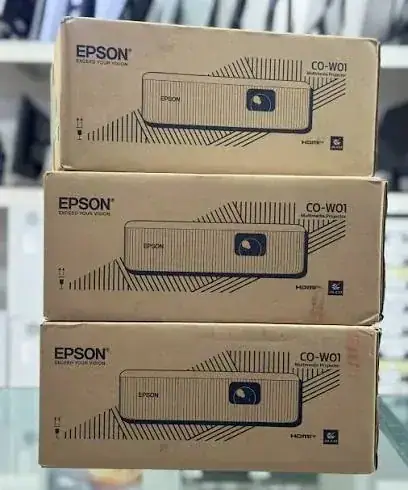
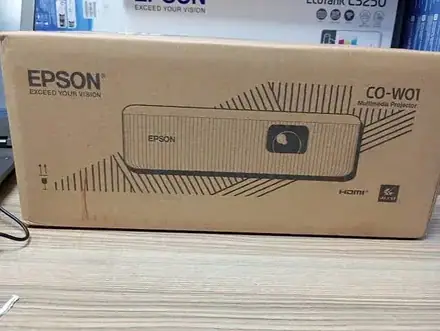
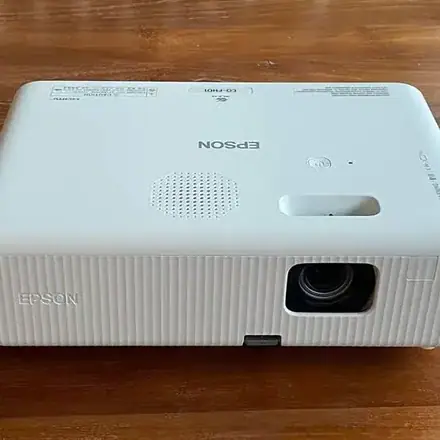
| Epson EB-2250U | Epson EB-L260F | LG BU60RG | Epson CO-W01 | |
|---|---|---|---|---|
| Light source | Lamp | Laser | Laser | Confirm |
| Brightness | 5,000 lumens | 4,600 lumens | 6,000 lumens | 3,000 lumens |
| Resolution | WUXGA (16:10) | Full HD (16:9) | 4K UHD | WXGA |
| Wi-Fi | Optional | Built in | Miracast and webOS | Confirm |
| Maintenance | Lamp changes | None | None | Confirm |
| Best for | Bright rooms at a lower price | Bright, low maintenance | Large venues and 4K | Small rooms |
Against the Epson EB-L260F: the laser model needs no lamp and has built-in Wi-Fi, at a higher price. The EB-2250U is brighter on paper at 5,000 lumens and has WUXGA resolution.
Against the LG ProBeam: a premium 4K laser at a much higher price.
Pros
Cons
What is the Epson EB-2250U price in Kenya? We confirm the current price when you message us on WhatsApp, because supplier prices change. We tell you the price and what's in the box before you pay.
Where can I buy the Epson EB-2250U in Nairobi? At Gadget Market, USIU-Africa, off Thika Road, Kasarani, Nairobi, or by delivery.
How bright is it? 5,000 lumens.
What resolution is it? WUXGA (1920 x 1200).
Does it have Wi-Fi? Wi-Fi is optional. It has a network port as standard.
How many HDMI inputs does it have? Two.
Does it use a lamp or a laser? A lamp.
What warranty does it have? Ask us for the warranty that applies to the unit you order, including the lamp.
Can you deliver and install it? We deliver the same day in Nairobi and next day outside Nairobi. Ask us about installation and screens.
Can I pay via M-Pesa? Yes.
Genuine, brand-new Epson projector. We're at USIU-Africa, off Thika Road, Kasarani, Nairobi, and you're welcome to talk to us about your room before you buy. Message us on WhatsApp with your room size, screen distance and use, and we'll tell you honestly whether the EB-2250U is right or a laser model would serve you better. We confirm what's in the box before you pay.
Available now at Gadget Market. Message us on WhatsApp.
Nairobi: same-day delivery for orders confirmed before 3:00pm on a working day. Rest of Kenya: courier to your door or nearest agent, typically 1–3 business days. You can also collect for free from our shop at USIU-Africa, Off Thika Road, Kasarani, Nairobi.
Faulty or not as described? Tell us within 7 days for a replacement or full refund. Changed your mind? Sealed, unused items can come back within 14 days. See our returns & warranty policy.
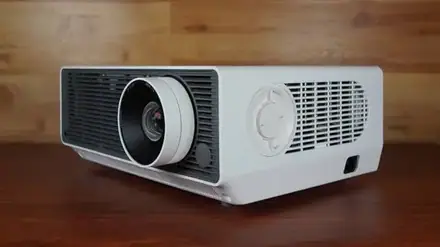
Projector lumens explained: ANSI lumens vs marketing lumens, white vs colour brightness, screen size, ambient light, lux maths, eco mode, and which brightness suits classrooms, churches and offices…
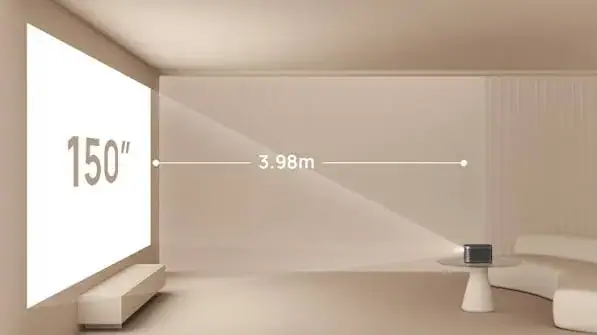
Projector throw ratio explained with worked examples: distance for 80 to 300 inch screens, zoom, lens shift, keystone, short-throw and ultra-short-throw projectors, ceiling mounting, and how to spot…
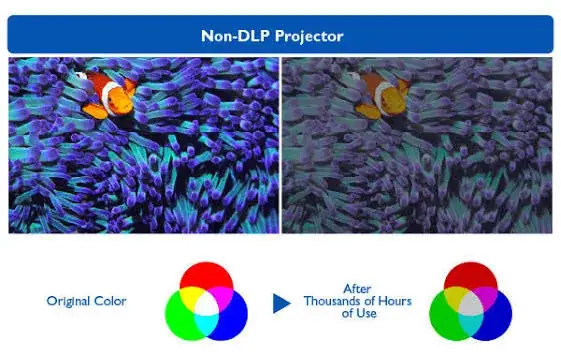
DLP vs LCD vs laser projectors explained: how each works, rainbow effect, colour brightness, lamp vs laser life, maintenance, 4K pixel shifting, and which suits classrooms, churches and offices. How…